Before You Start
First, purchase your Unlimited English membership on your web browser, and remember your username and password.
Get the App and Log In
On the iOS App (iPhone or iPad)
Best for listening on the go. You can save lessons to listen offline.
Download the free Speak English with ESLPod.com app from the App Store.

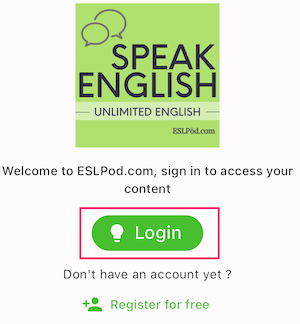
Open the app and tap Login. (If a popup asks, tap Continue.)
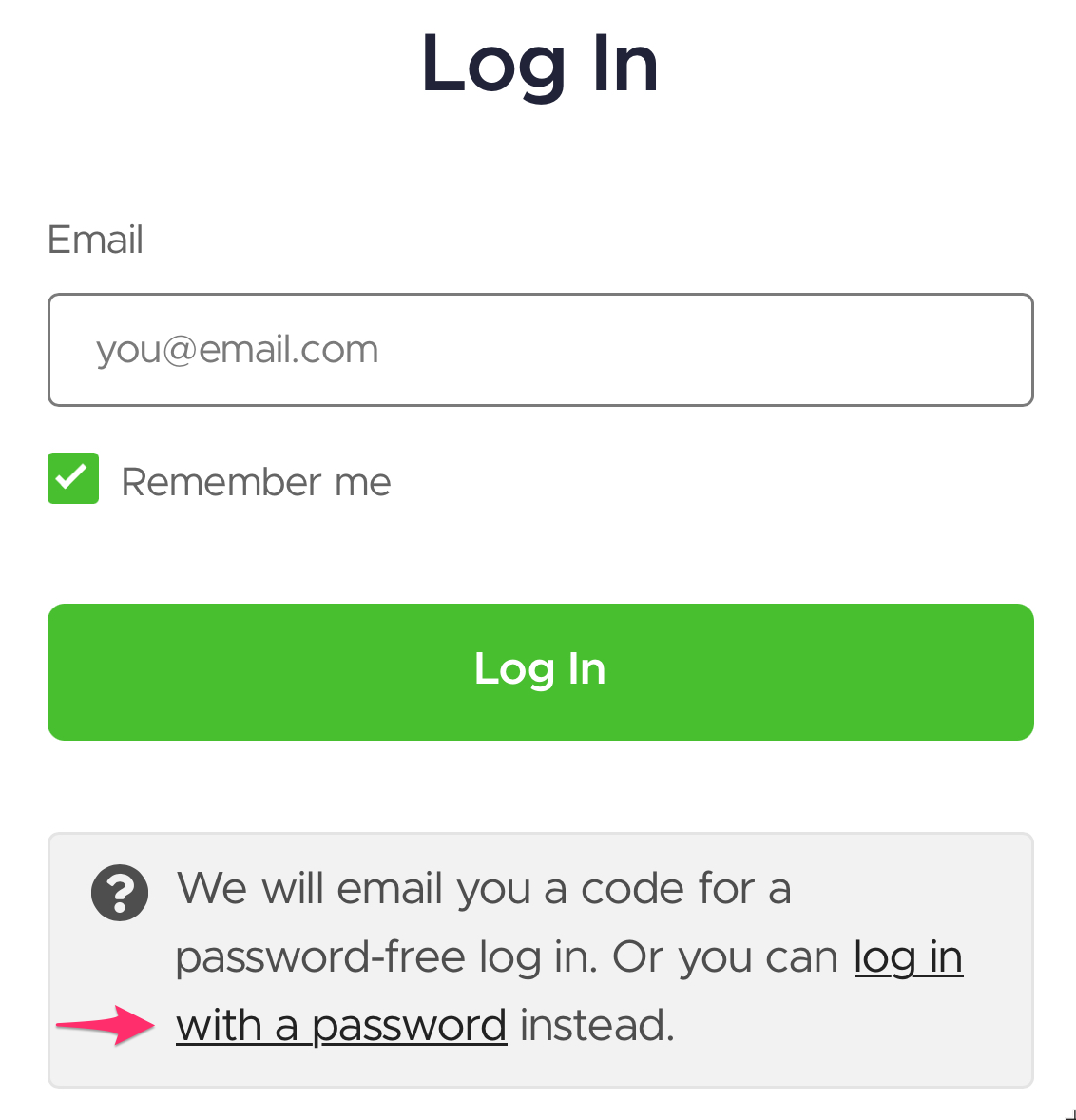
Sign in with the email you used to buy your membership. You can use a 6-number code we send you, or your password.
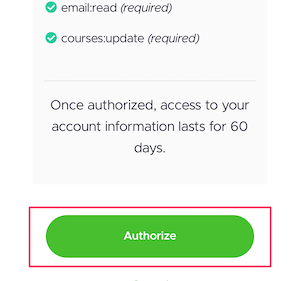
Tap Authorize on the next screen.
Start with the Unlimited English section. It has more information on how to use your course.
Click on the introduction lesson and then the audio button to listen.
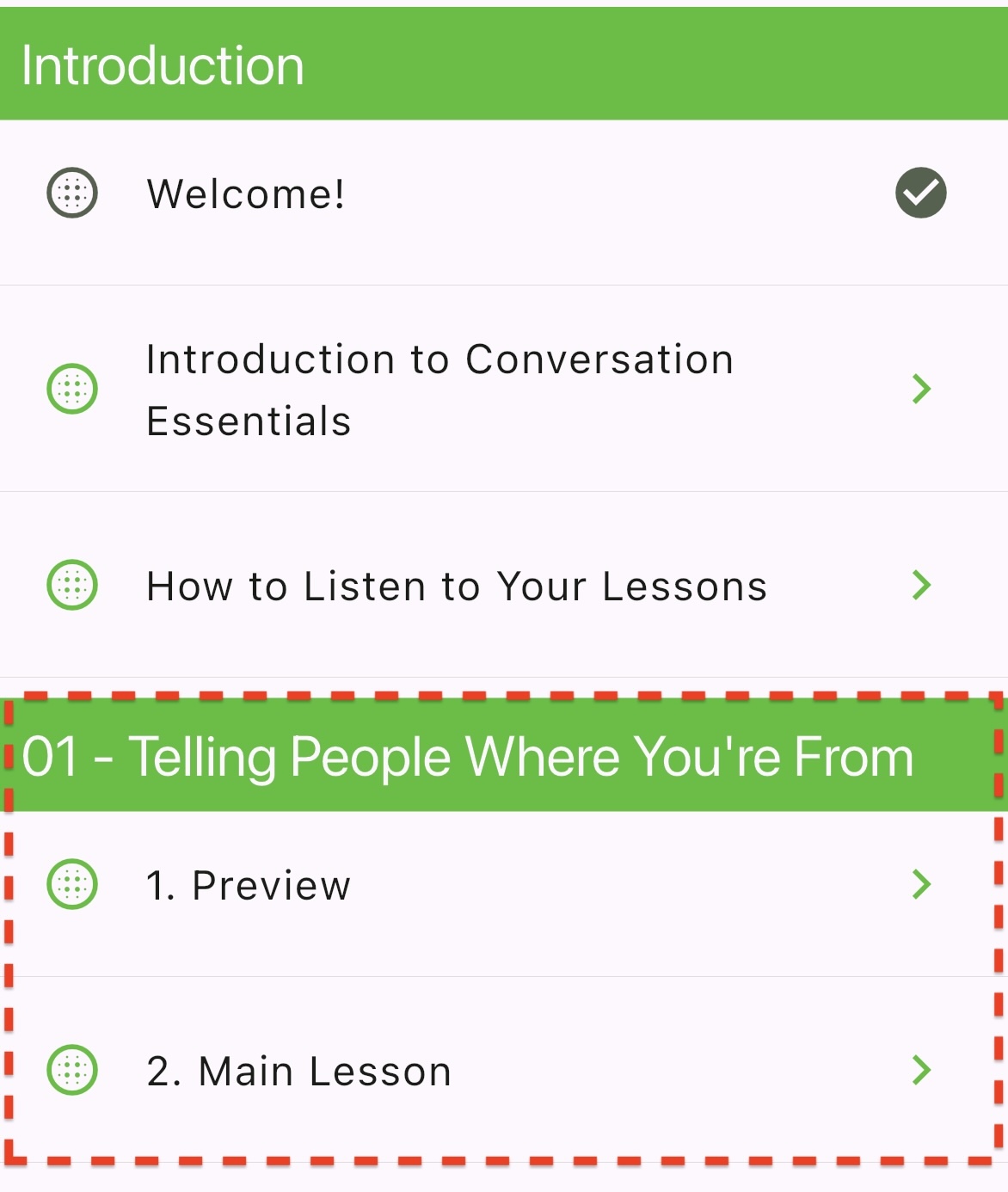
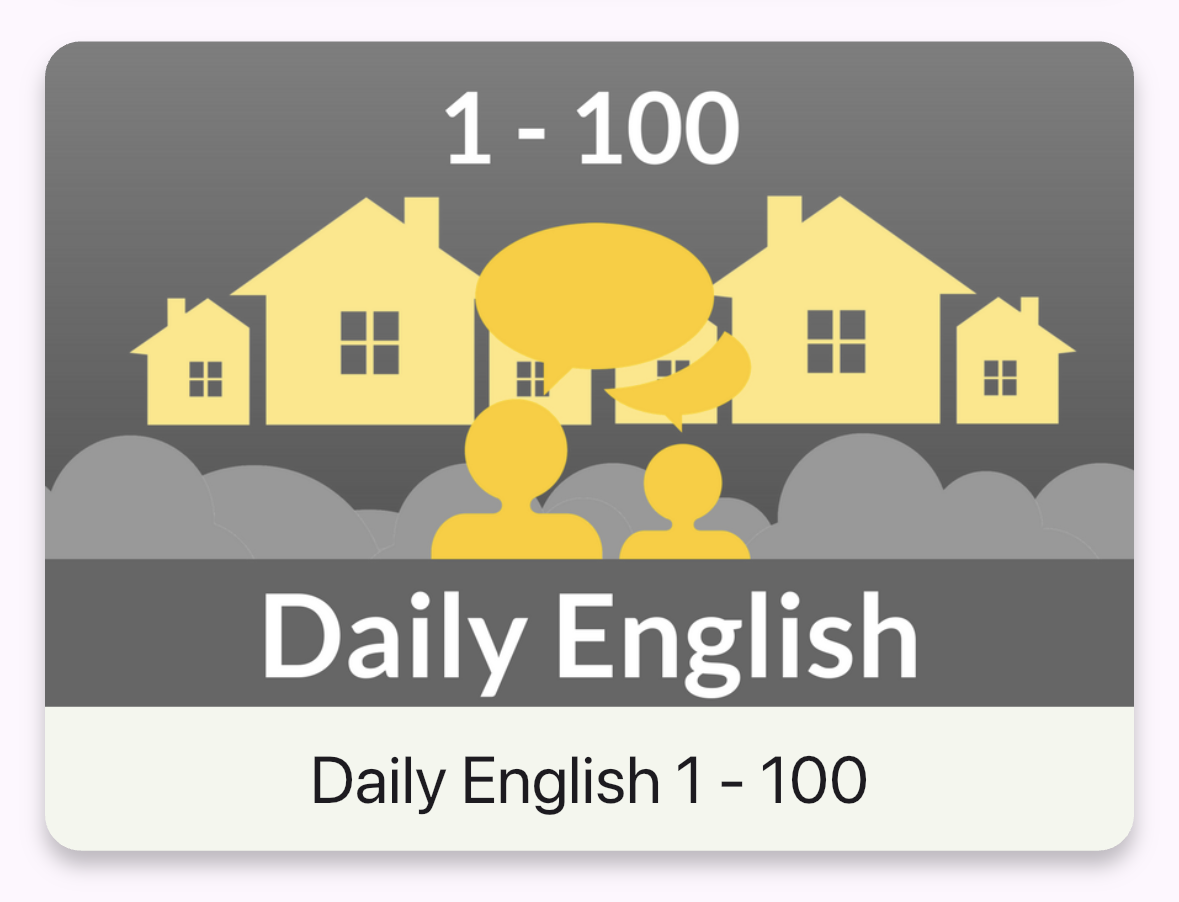
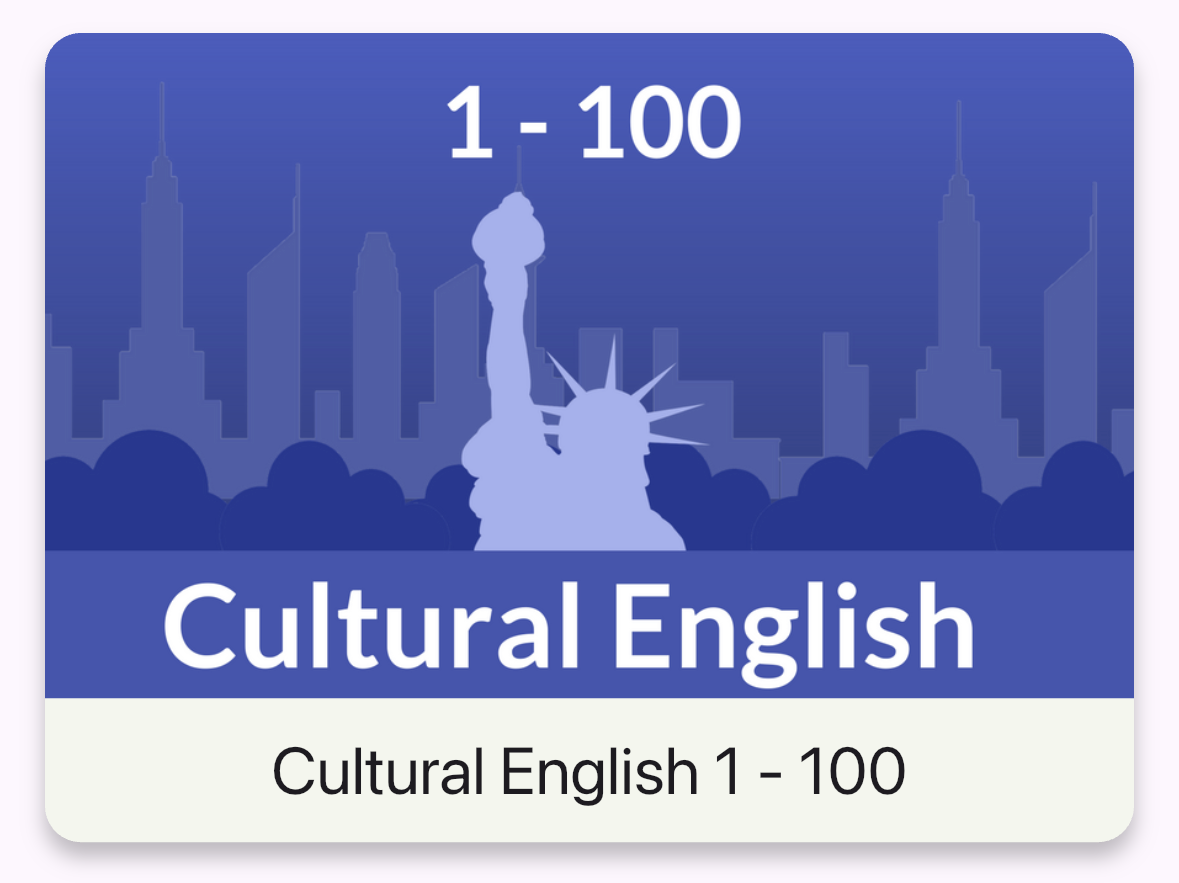
Later, select your lessons from the Courses or Daily English and Cultural English areas.

On the Android App
Same as iOS. Get the app, log in, listen.
Download the free Speak English with ESLPod.com app from the Google Play Store.

Open the app and tap Login. Use the email you bought your membership with.
Sign in with your email. You can use a 6-number code we send you, or your password.
Tap Authorize when the screen asks. You're in.
Start with the Unlimited English section. It has more information on how to use your course.
Click on the introduction lesson and then the audio button to listen.
Later, select your lessons from the Courses or Daily English and Cultural English areas.
Listen Offline
With our app, you can also download the audio lessons to listen to when you're not connected to the Internet. (Lessons are available on the app for as long as you have a paid membership.)
You can also stream your lessons on any phone, tablet, or computer by logging into your account on your web browser.
More Questions?
See the answers to other common questions on our FAQ page.